 Wenova
Support
Need help with Wenova? Email us directly or send a request from inside the app
Email support
For questions, bug reports, or help using the app, send us a note at
support@wenova.app
Request support from the app
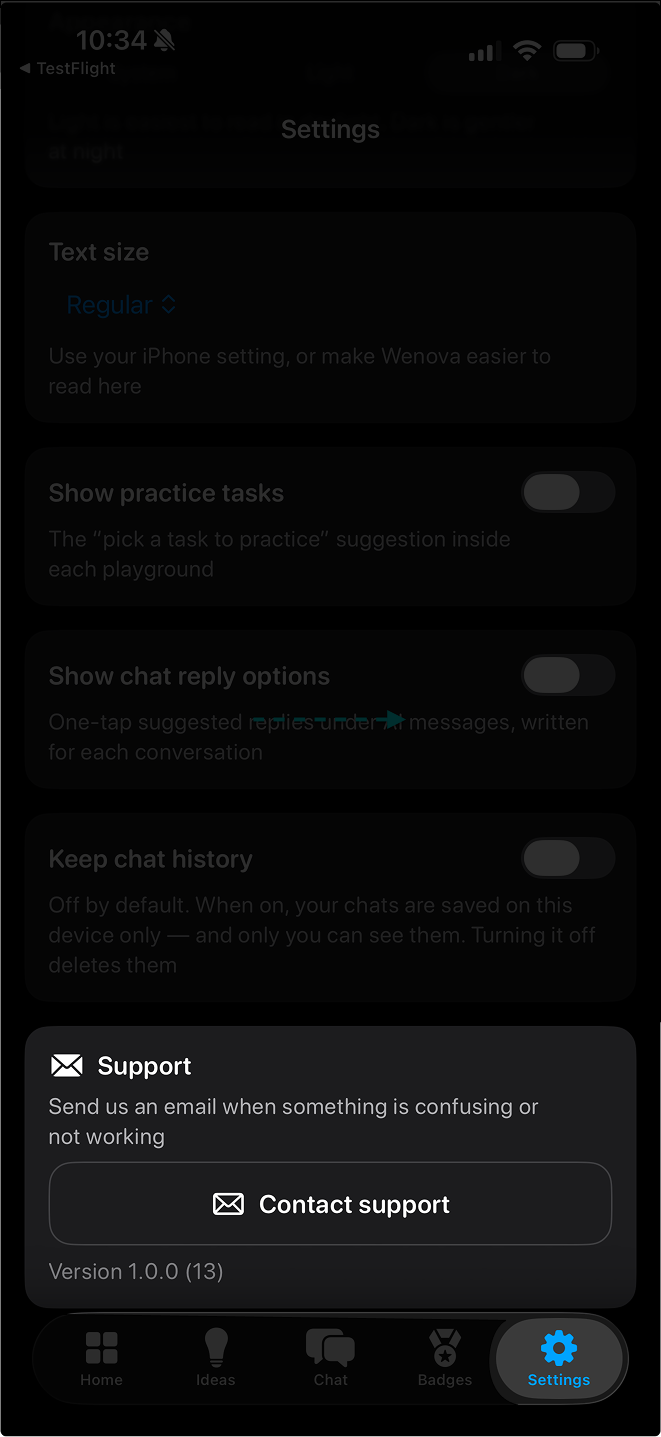
You can also send a support request without leaving Wenova. This is the best option when your question is about something happening inside the app.
- 1Open the Wenova app on your iPhone.
- 2Tap Settings.
- 3Tap Support.
- 4Fill out the email support request and send it to us.